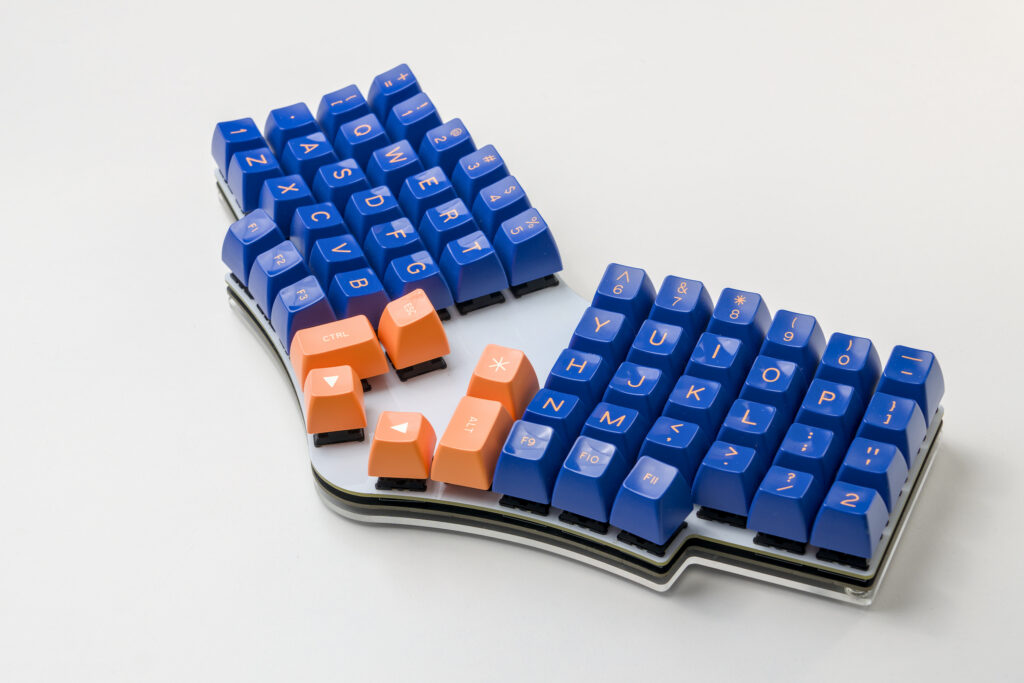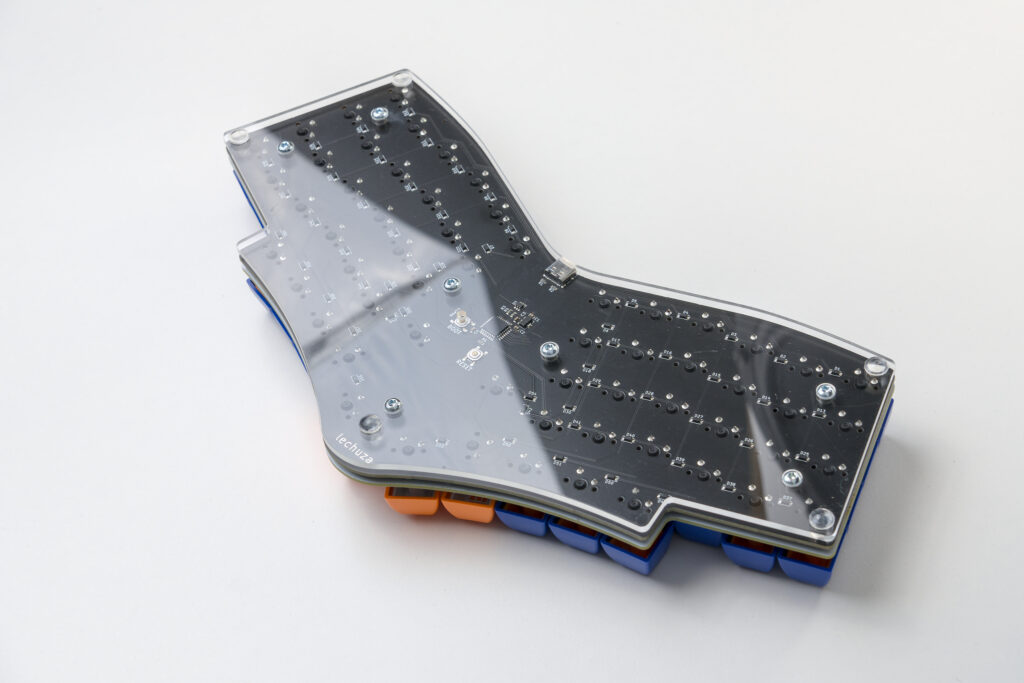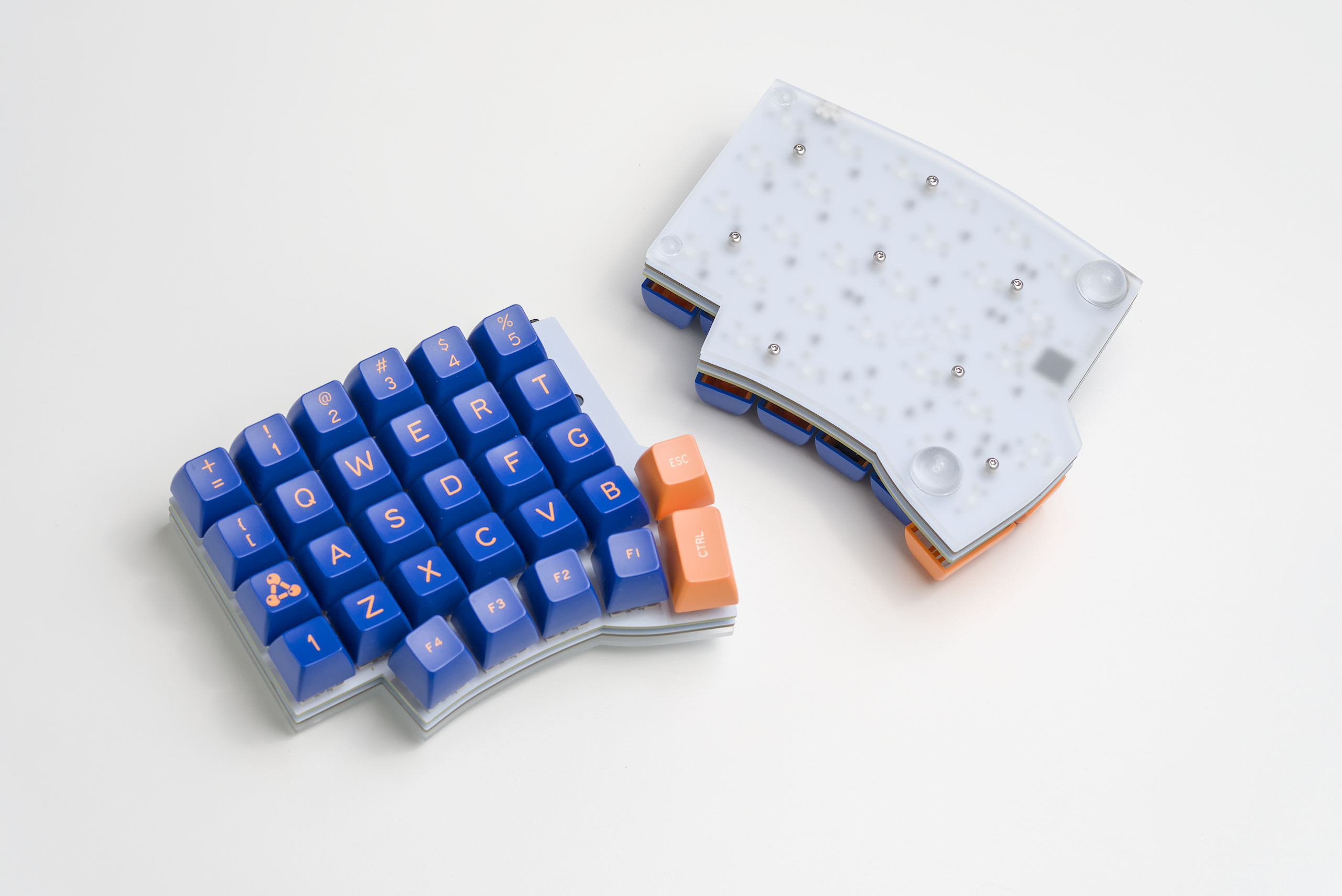
Typing comfortably and efficiently felt out of reach with off-the-shelf options, so I embarked on designing my own. Over multiple revisions, I tailored layout, key spacing, firmware (using QMK and ZMK), and switch types to match my hands and preferences.
The end result reduces strain and improves my speed and precision in daily use. If you want to build your own, check out https://github.com/elagil/zmk-config.
Using regular keyboards, I often felt pain after extended typing sessions. Especially the pinky fingers seem over-utilized (ctrl, alt, enter, backspace), while the strong thumbs only ever press the space bar. My main goal was to use my thumbs for the most-used keys, like modifiers, space, and backspace.
Split Keyboards
I started with a split keyboard solution, but both halves moving freely with respect to each other required frequent adjustments and caused missed keystrokes.
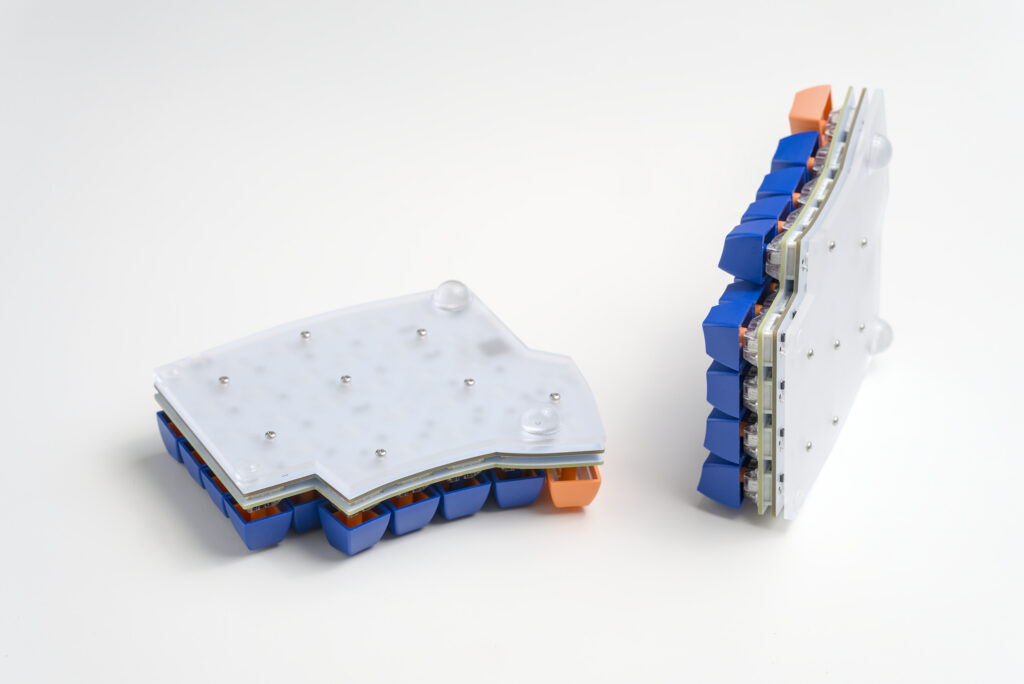
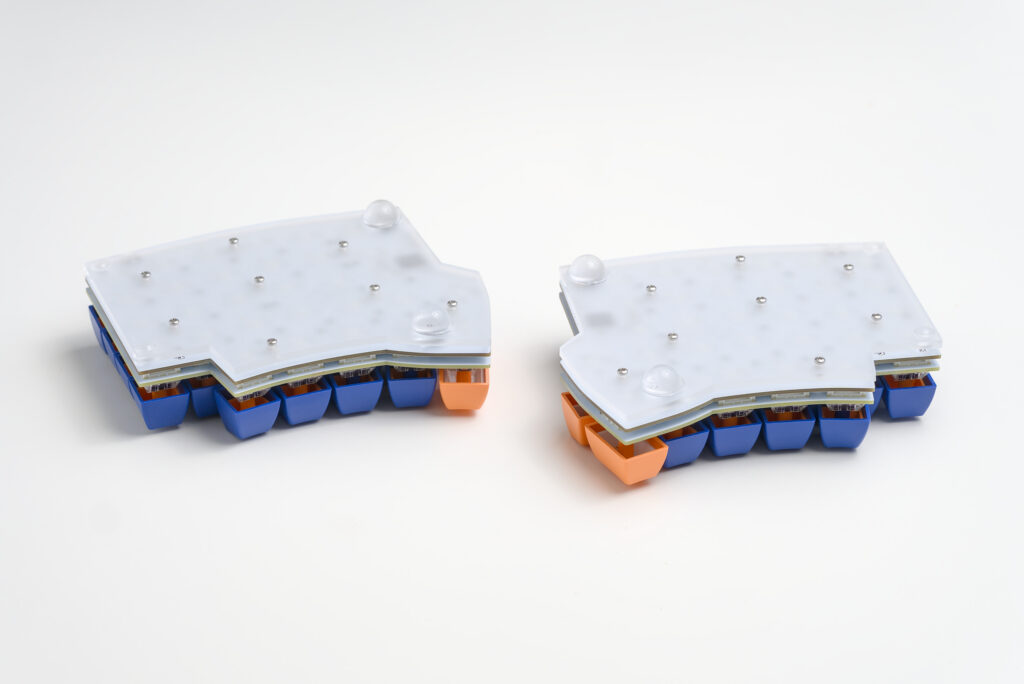
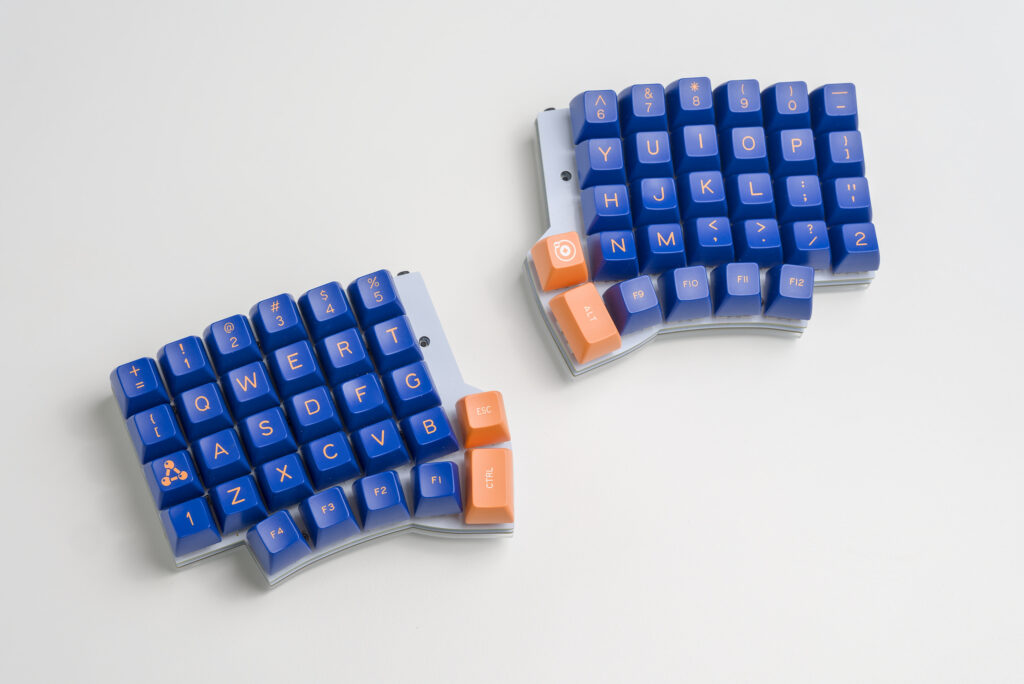
Joining the Halves
I finally settled on a one-piece design, whose shape slowly evolved over time. I changed the angle and distance of the halves a few times, adjusted the key stagger, and tried different key arrangements—especially for the thumb cluster.
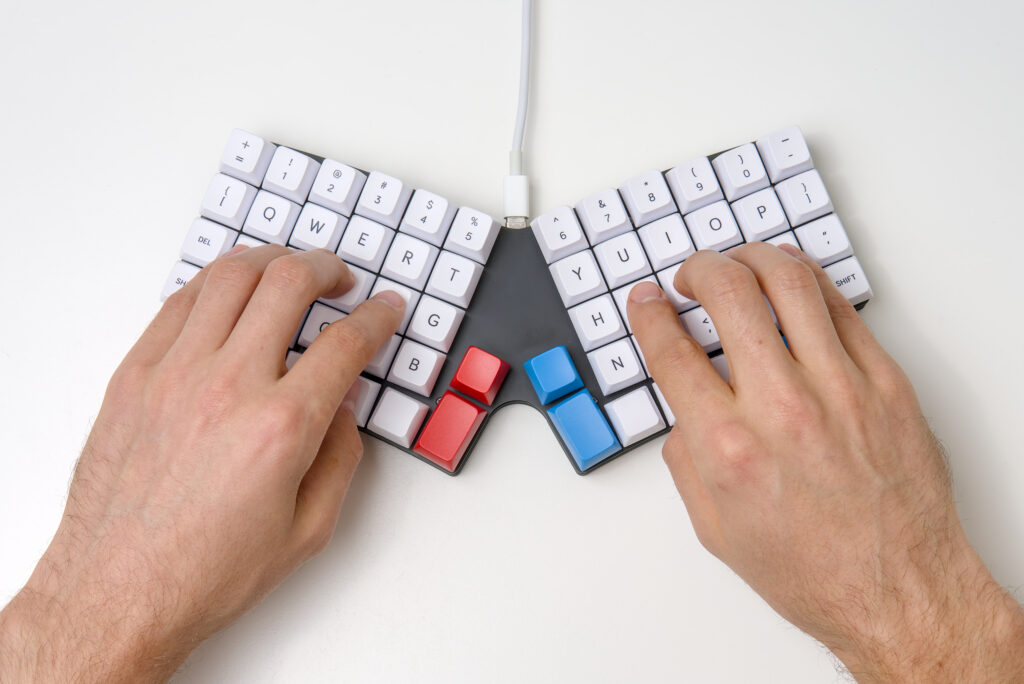
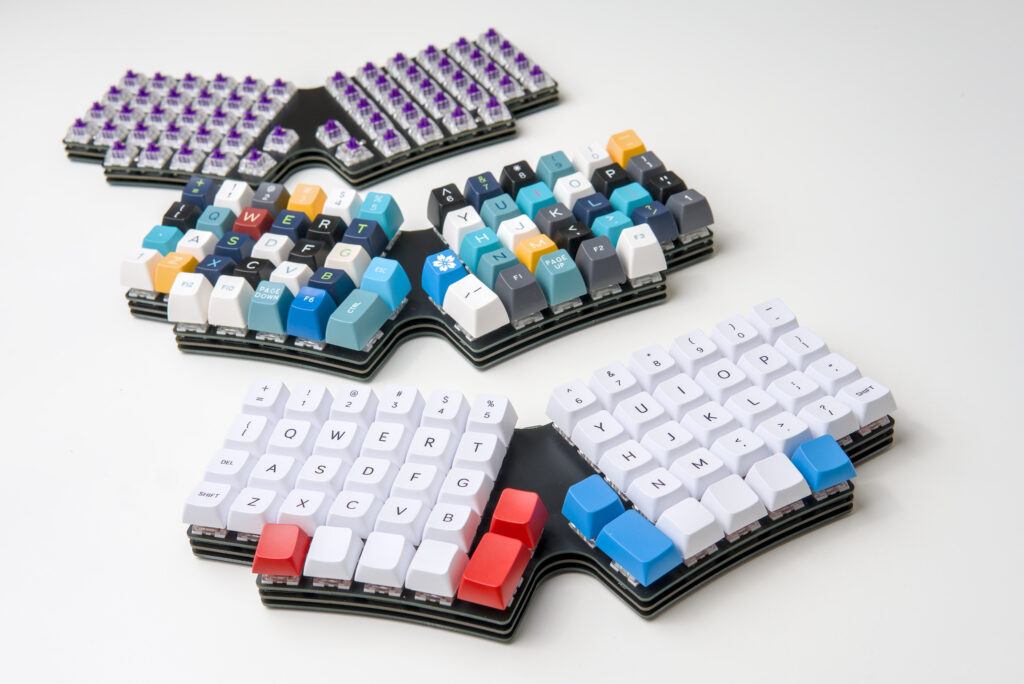
In the end, I reached my final iteration. A 60-key one-piece design with comfortable spacing of both halves. In this version, the thumb cluster is perfectly optimized for my personal use, ensuring that I can reach all the keys easily and comfortably.